What is SwipeNow?
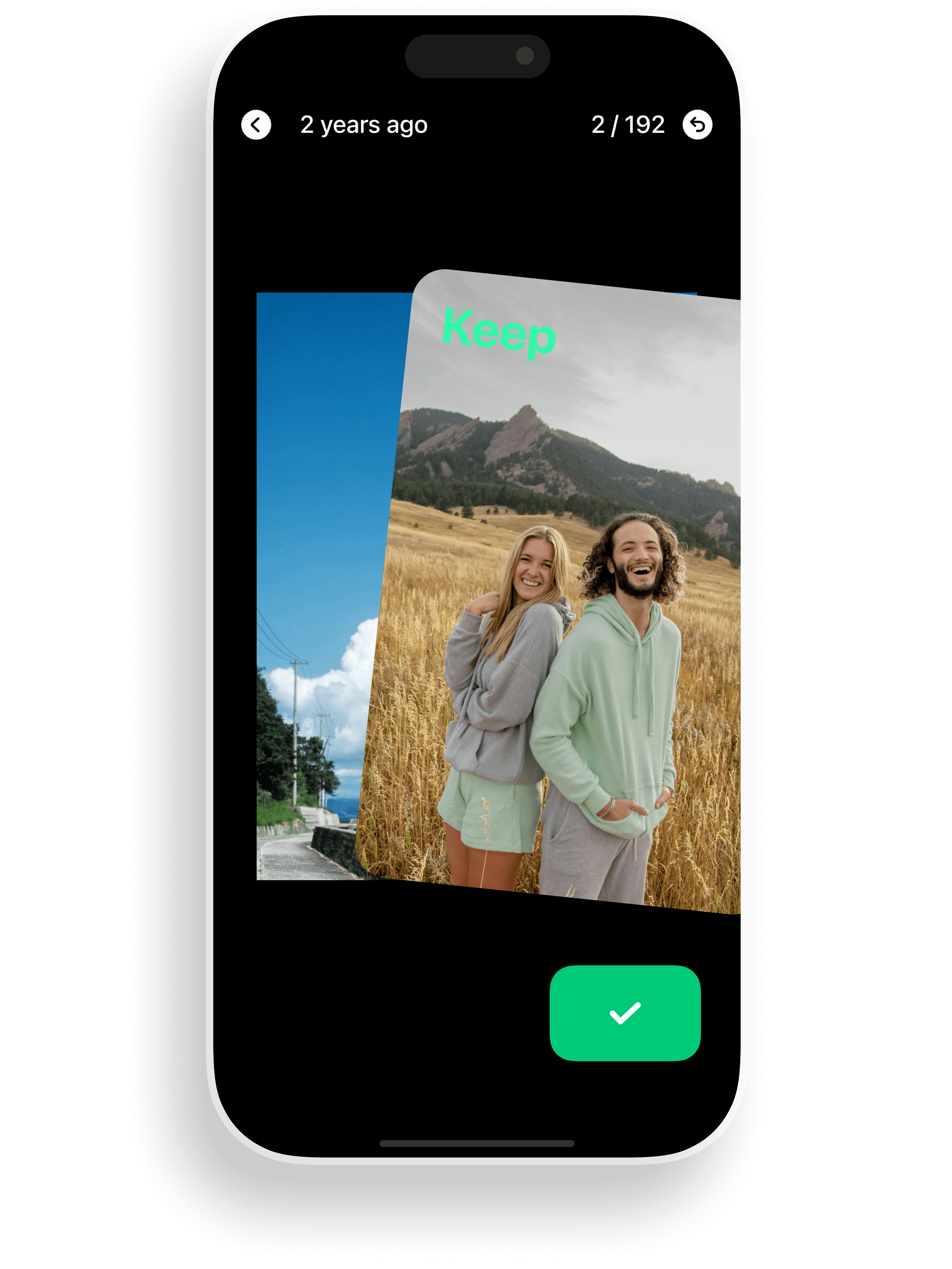
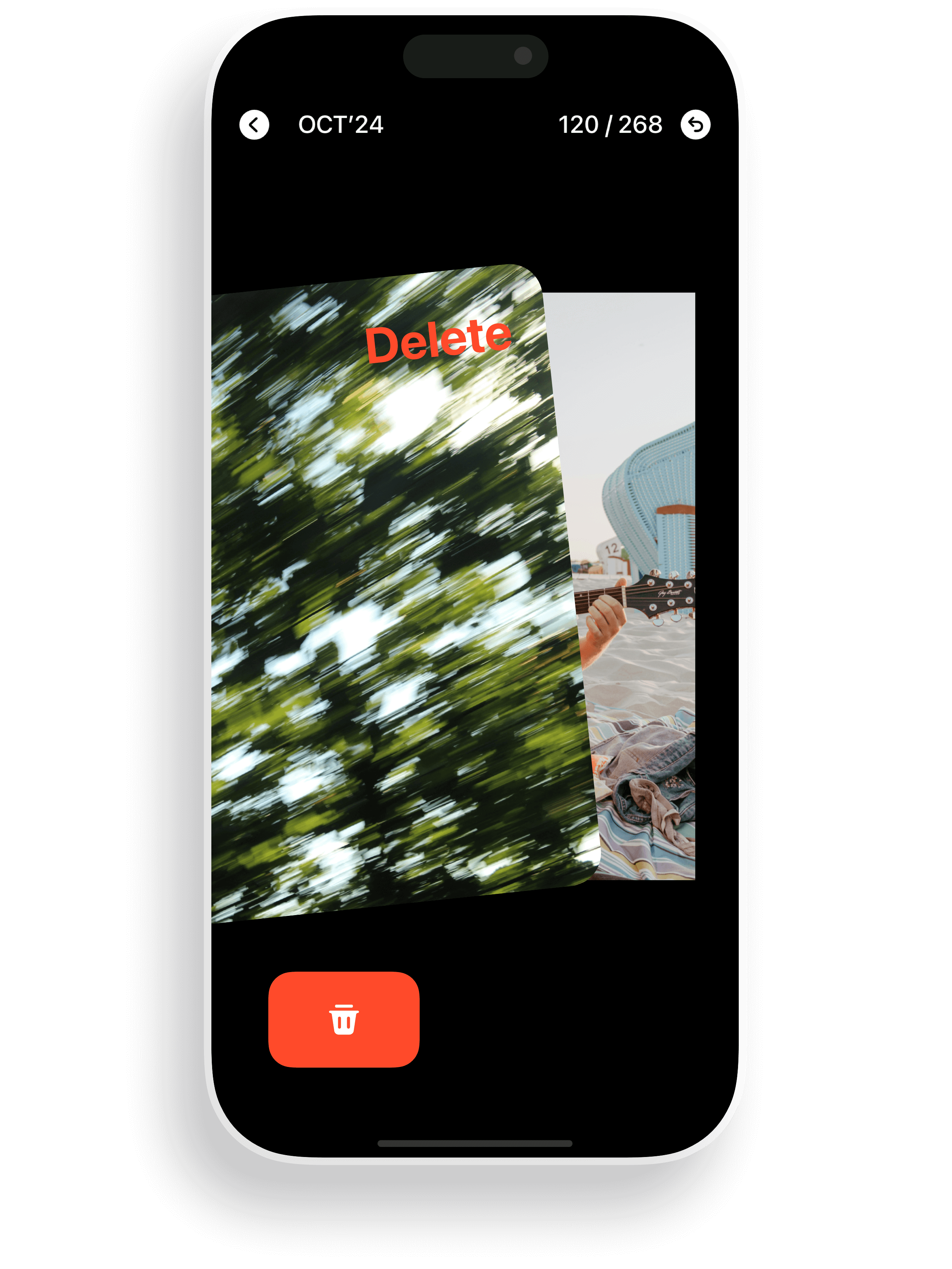
SwipeNow is an iOS photo cleaner app that helps iPhone users organize and delete photos with simple swipe gestures. Swipe left to delete, swipe right to keep.
Organize your albums, free up space, and cherish every memory.






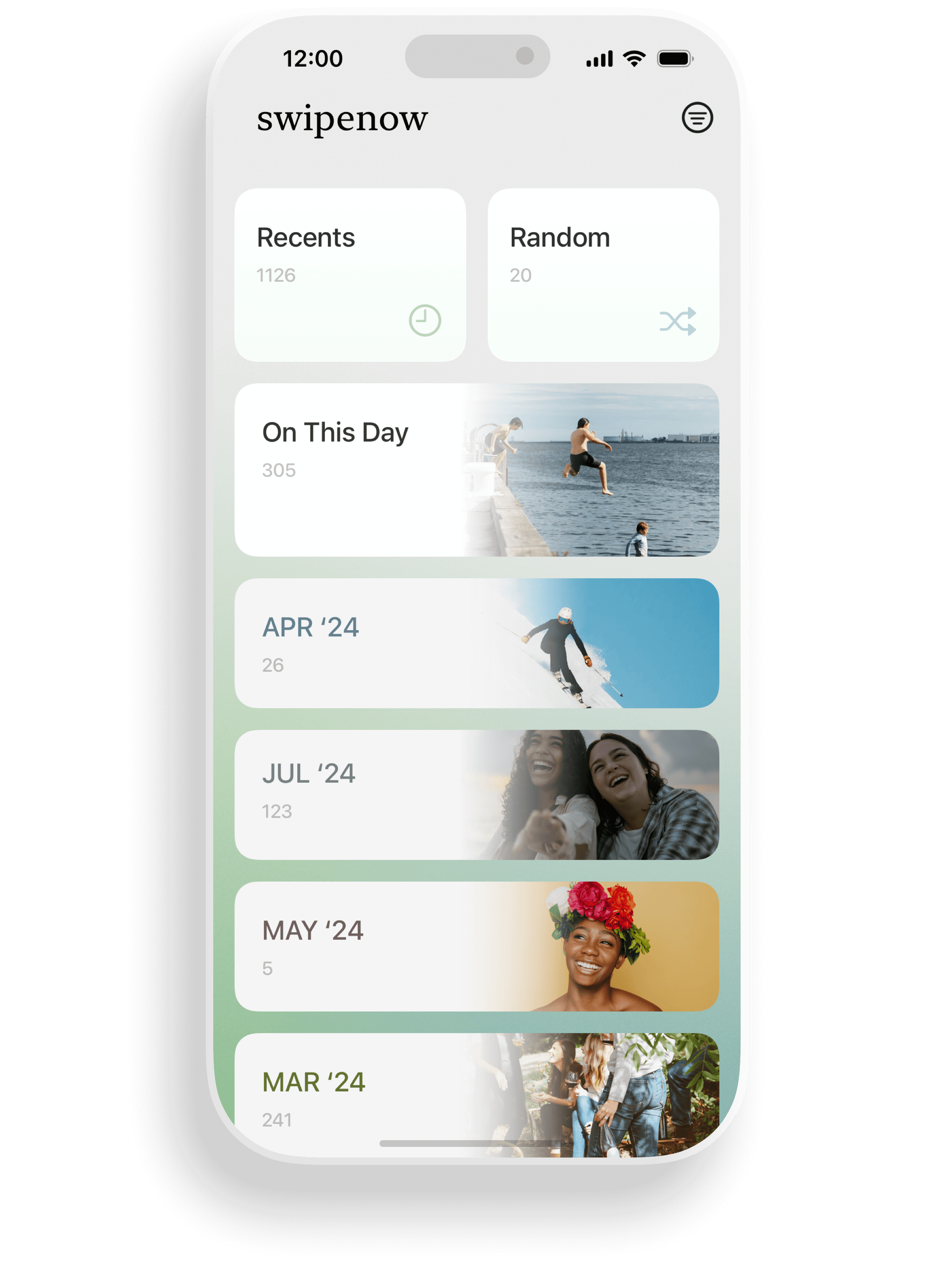
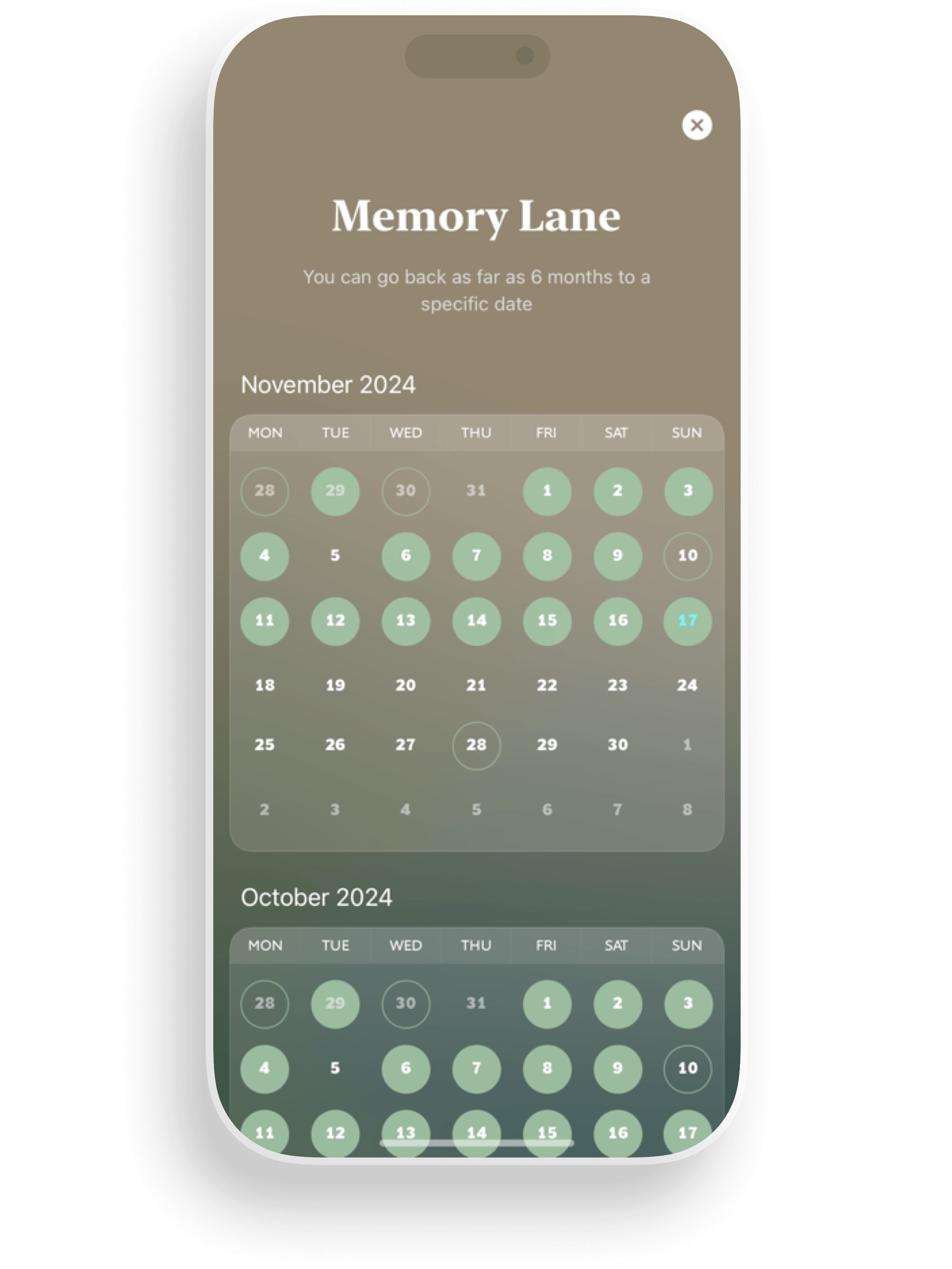
Browse photos by Recents, Random, On This Day, or specific months. Hide completed months and sort by latest, oldest, or photo count to clean up efficiently.
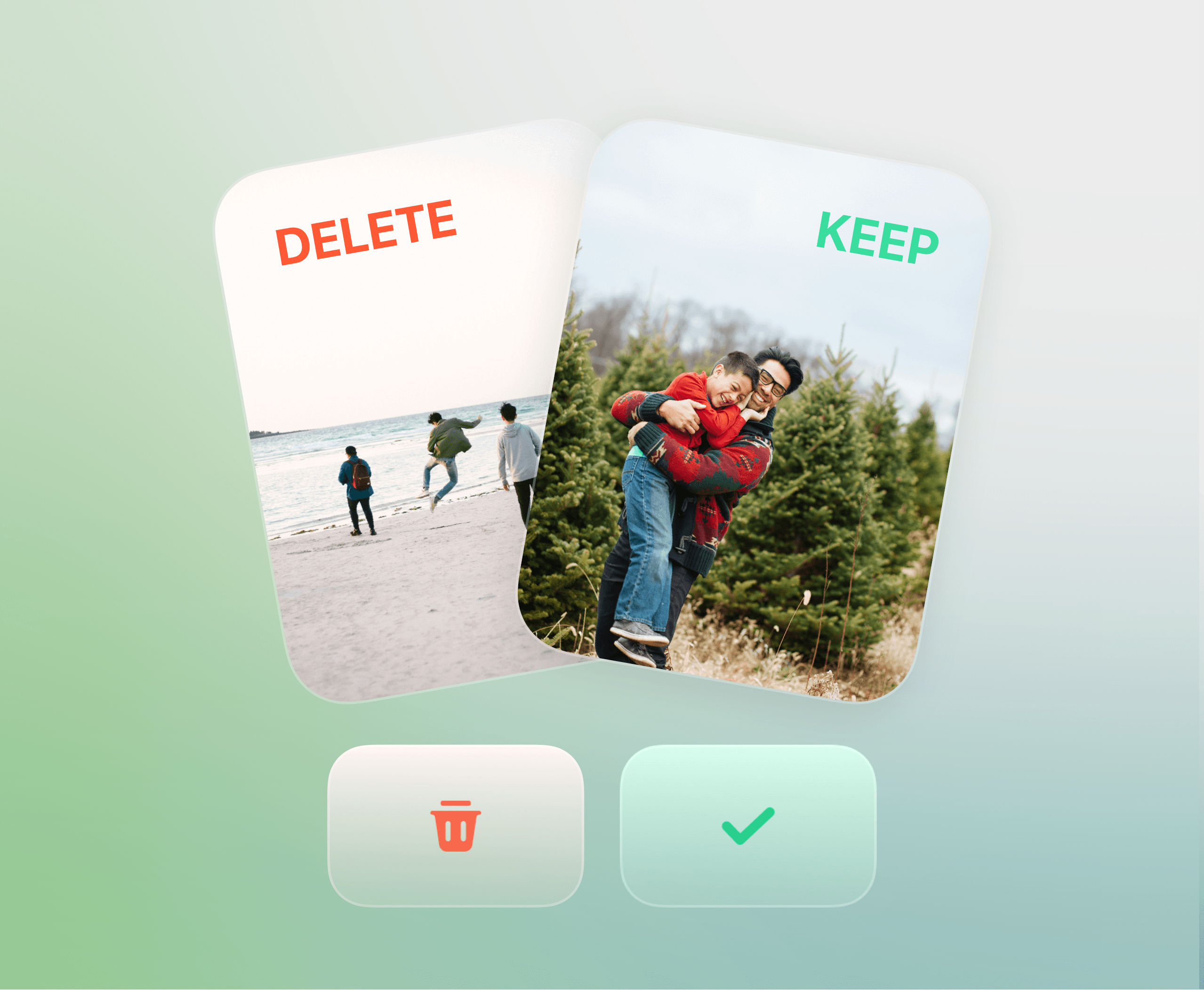
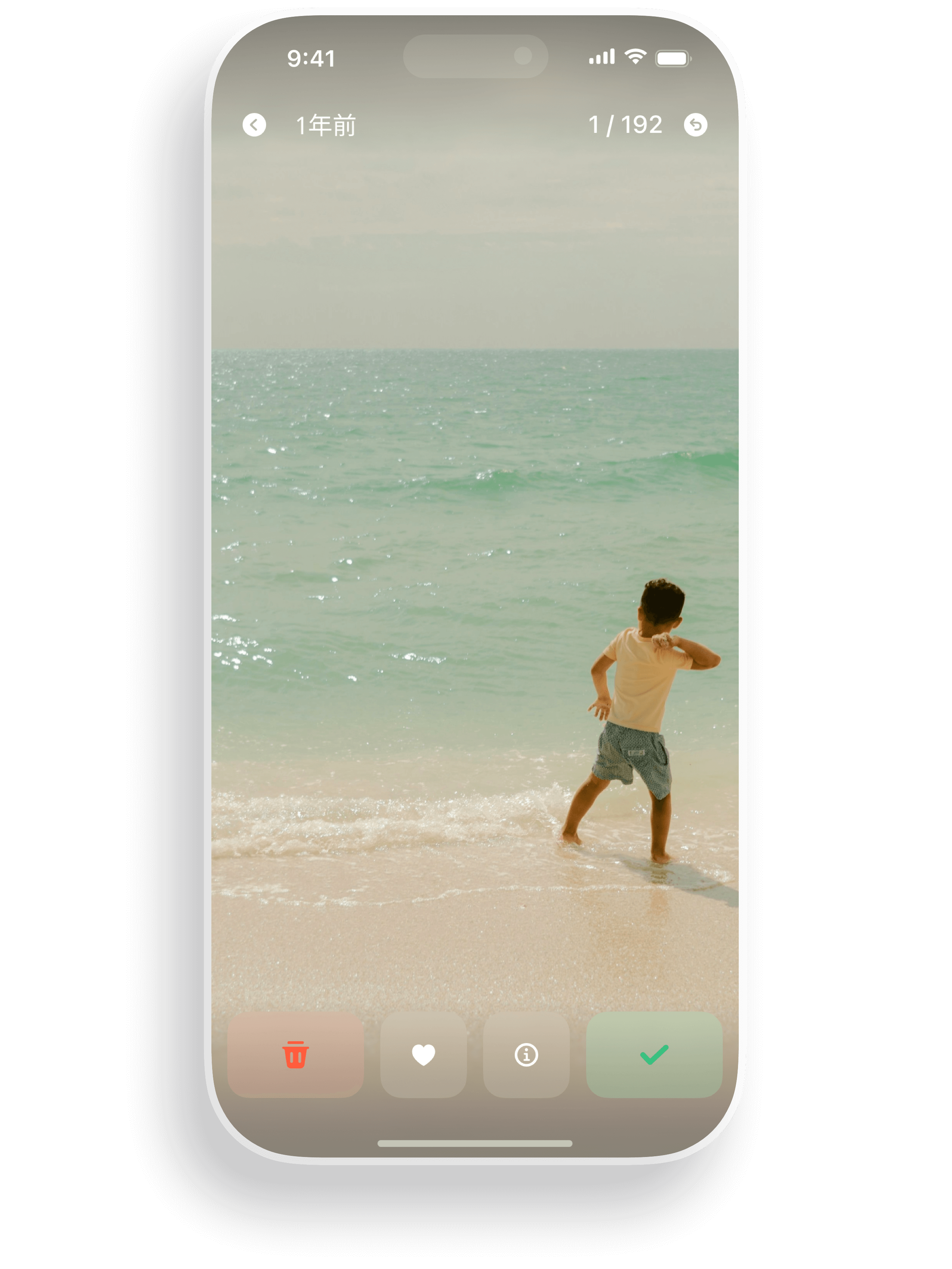
Swipe left to delete and swipe right to keep. Quickly manage photos, videos, Live Photos, and GIFs with simple gestures — organizing your album has never been easier.
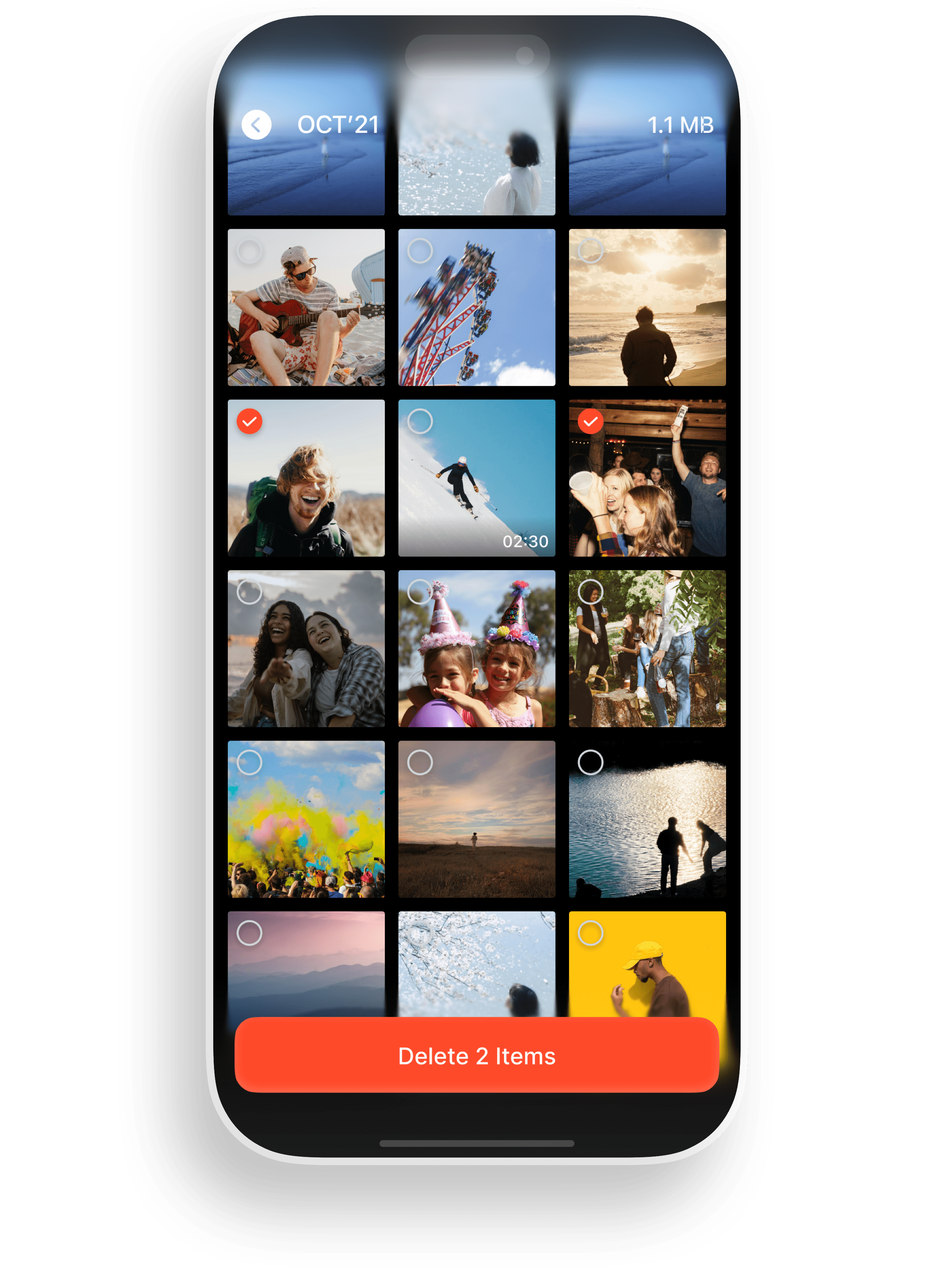
Batch delete unwanted screenshots, videos, and duplicate photos. See how much space you save and keep your iPhone running smoothly.
Target screenshots and large videos in Random mode. Clean up the clutter that takes the most space on your device.
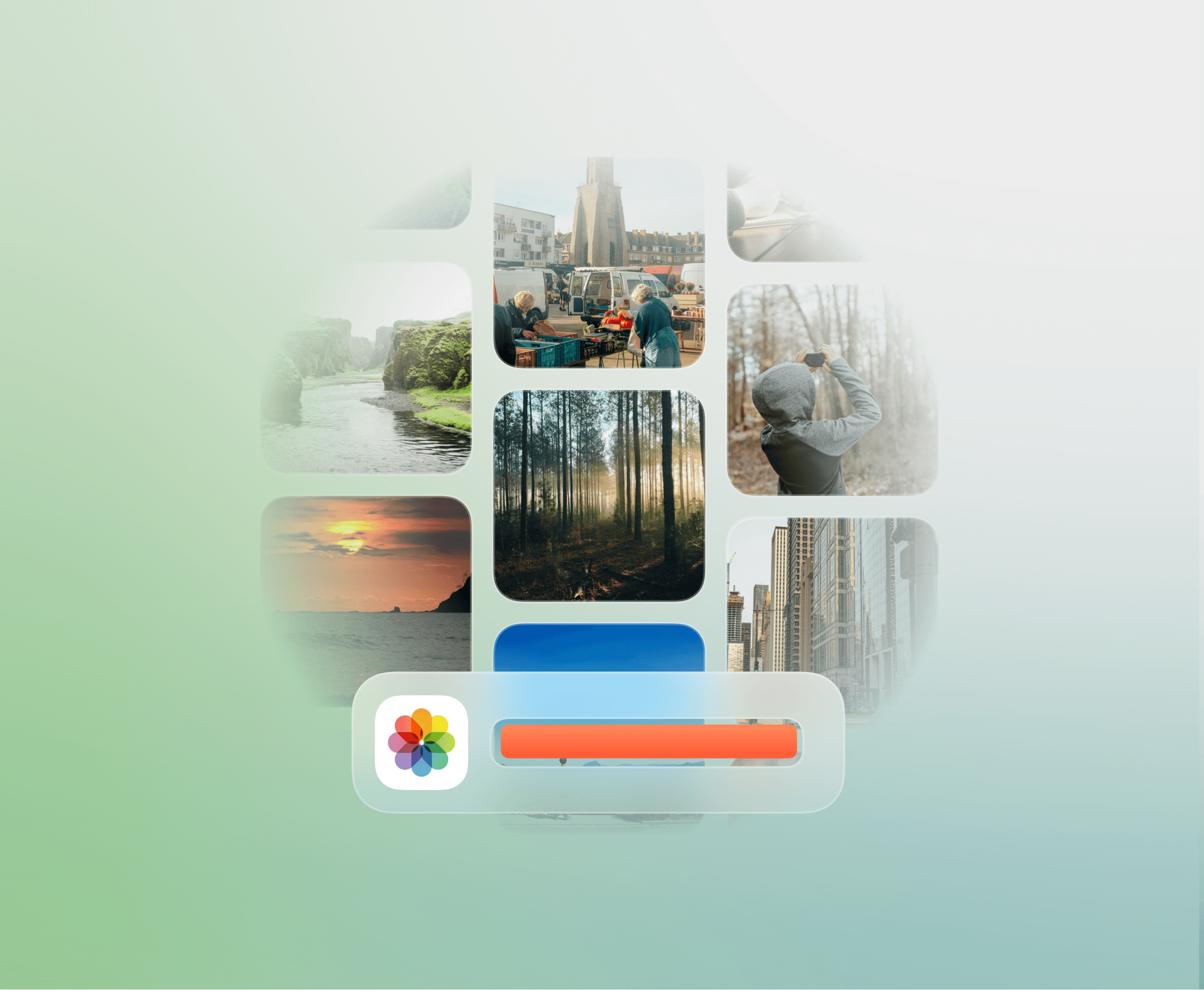
Create albums, pin favorites, and tag with emoji labels. Albums sync directly to your iOS photo library for seamless organization.

Quickly manage your album with simple swipes, saving valuable time.

Browse by Recents, Random, On This Day, or specific months for more organized cleanup.

Easily delete unnecessary photos to make room for apps and important content.

Remove duplicates and irrelevant images to preserve your most meaningful moments.

SwipeNow has transformed how I organize my photos. I never realized decluttering could be this easy and fun. Highly recommend!
写真を整理するのが驚くほど簡単になりました。SwipeNowのおかげで、スマホがいつもすっきり!
¡Esta app es fantástica! En unos minutos, mi galería está organizada y tengo espacio libre para nuevas fotos. ¡Un imprescindible!
J'adore SwipeNow ! C'est comme un assistant personnel qui m'aide à trier mes photos rapidement et sans effort.
사진 정리가 이렇게 쉬울 줄 몰랐어요. SwipeNow 덕분에 공간도 확보하고 추억도 더 소중하게 느껴져요!
SwipeNow is an iOS photo cleaner app that helps iPhone users organize and delete photos with simple swipe gestures. Swipe left to delete, swipe right to keep.
SwipeNow lets you browse photos by Recents, Random, On This Day, or month. Swipe left to mark photos for deletion and swipe right to keep them. You can batch confirm deletions and see how much storage you free up.
SwipeNow offers a free tier with optional subscription plans for premium features. You can try premium features with a free trial before subscribing.
Yes. SwipeNow supports photos, videos, Live Photos, GIFs, and screenshots. You can target screenshots and videos specifically in Random mode.
SwipeNow processes photos locally on your device. Your photo library stays on your iPhone. Read our Privacy Policy for full details.
SwipeNow supports English, Simplified Chinese, Japanese, Korean, Spanish, French, Portuguese, and German.
SwipeNow focuses on a fast, intuitive swipe-based workflow with smart categorization by day and month, album organization with emoji tags, and support for multiple media types.
SwipeNow is available on the App Store for iPhone and on Google Play for Android. Search "SwipeNow" or use the download links on this page.

